ESPHome is an open-source firmware ecosystem that lets you easily control microcontrollers through simple YAML configurations. It is best known for its excellent support for the ESP8266 and ESP32 families, powering countless DIY and smart-home projects. However, ESPHome has also been ported to additional hardware platforms. Exploring one of these alternatives was the motivation behind this small project.
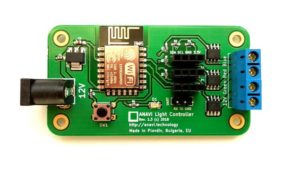
One such alternative is the WB3S, a Tuya Wi-Fi module built around the Beken BK7231T microcontroller. It offers 15 GPIOs (including 6 PWM, 2 UART, and an ADC) and conveniently shares the same footprint as the popular ESP-12 modules based on ESP8266 which you know from ANAVI Thermometer, ANAVI Light Controller and several other of our boards. Thanks to the open-source LibreTiny PlatformIO environment, ESPHome can be built and flashed for WB3S and other Beken-based modules.
As part of this exploration, I designed an open source WB3S breakout board, fully compatible with breadboard prototyping and created in KiCad. In the accompanying demo video and example configuration, I walk through the entire workflow: designing the board, setting up the software environment, compiling the firmware with ESPHome, and flashing it to the module using ltchiptool.
The example ESPHome configuration used in the video is available here. Replace SSID and PASSWORD with your Wi-Fi credentials.
Conclusion
Our new WB3S breakout board is available in GitHub as open hardware for anyone interested in experimenting with the BK7231T and ESPHome. However, while functional, ESPHome support for Beken-based devices still lags far behind the mature and reliable ESP32 ecosystem. For production projects or anything requiring stability, it is highly recommended sticking with ESP32 for now.
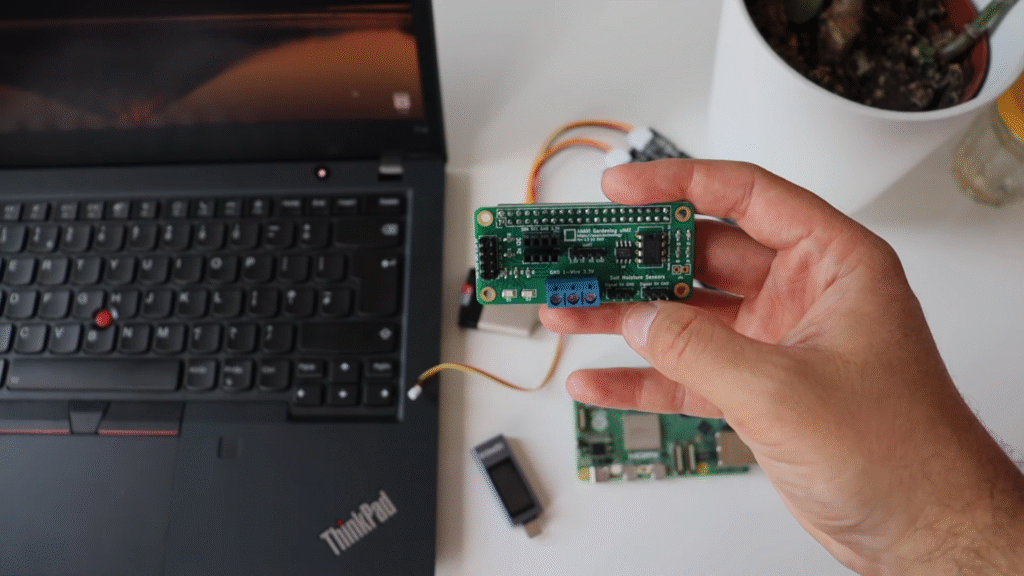
If you have ever wanted to turn your Raspberry Pi into a smart gardening assistant, our ANAVI Gardening uHAT is a simple, low-cost way to get started. This open source add-on board makes it easy to monitor and care for your plants with sensors for soil moisture, temperature, humidity, barometric pressure, and light. Best of all, there is no soldering, special tools, or complicated setup. Just plug the board into your Raspberry Pi with your bare hands, follow the user manual, and you are ready to go. First introduced in 2021 through a successful Crowd Supply campaign, the ANAVI Gardening uHAT is now widely available through distributors such as Mouser Electronics. While the official documentation is based on Raspberry Pi Operating System, the board works with any Raspberry Pi single-board computer and any Linux distribution designed for it. This makes the ANAVI Gardening uHAT not just a hobbyist gadget, but also a versatile tool for anyone experimenting with Internet of Things (IoT), agricultural technology, or embedded Linux.
The Yocto Project Meets Raspberry Pi Gardening
In early 2025, Leon Anavi, the creator of the ANAVI Gardening uHAT, launched a new series of video tutorials on the Yocto Project and OpenEmbedded. These tools, maintained under the Linux Foundation, have become the industry standard for building custom Linux distributions for embedded devices.
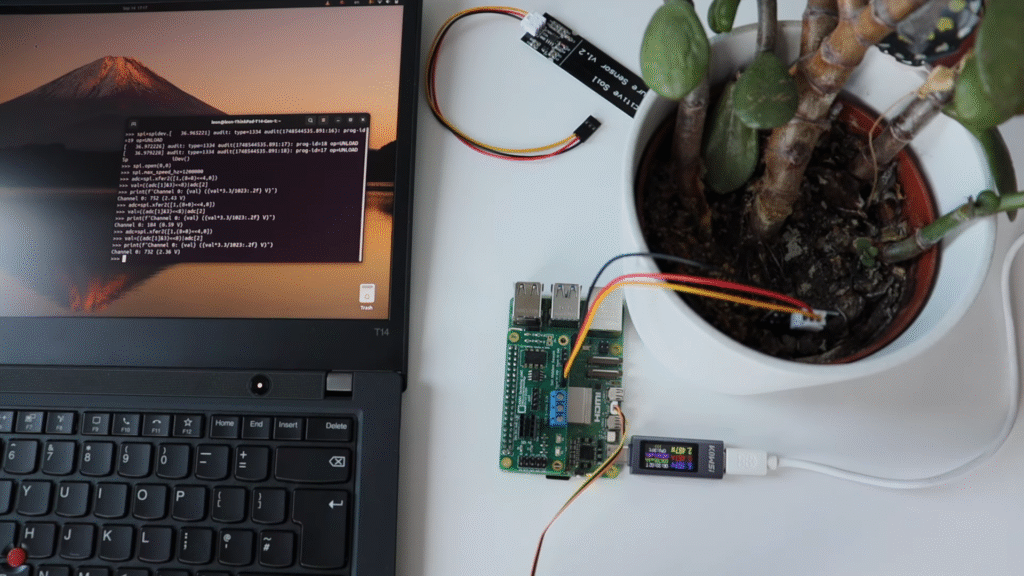
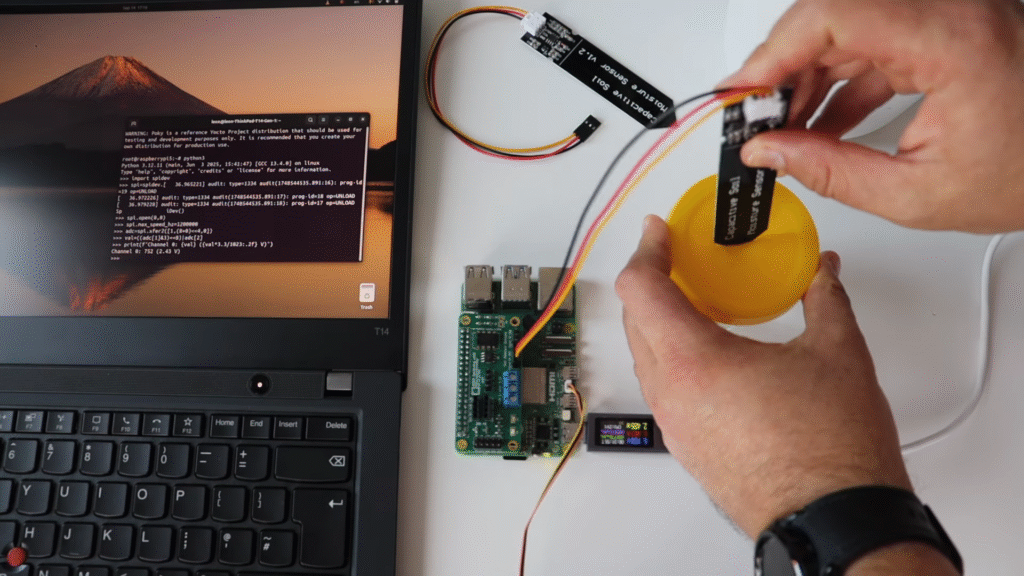
In episode 10 from September 2025, Leon demonstrates how to enable the Serial Peripheral Interface (SPI) on a Raspberry Pi and use it with the Microchip MCP3002 10-bit analog-to-digital converter (ADC) integrated into the ANAVI Gardening uHAT. This allows you to connect analog sensors, such as a capacitive soil moisture sensor, and read their data in real time.
Step-by-Step: Enabling Serial Peripheral Interface with Yocto
If you want to try the tutorial yourself, here is a simplified version of the steps Leon used in the video. These examples are based on the Yocto Long Term Support (LTS) release Scarthgap and use the meta-raspberrypi board support package (BSP) layer.
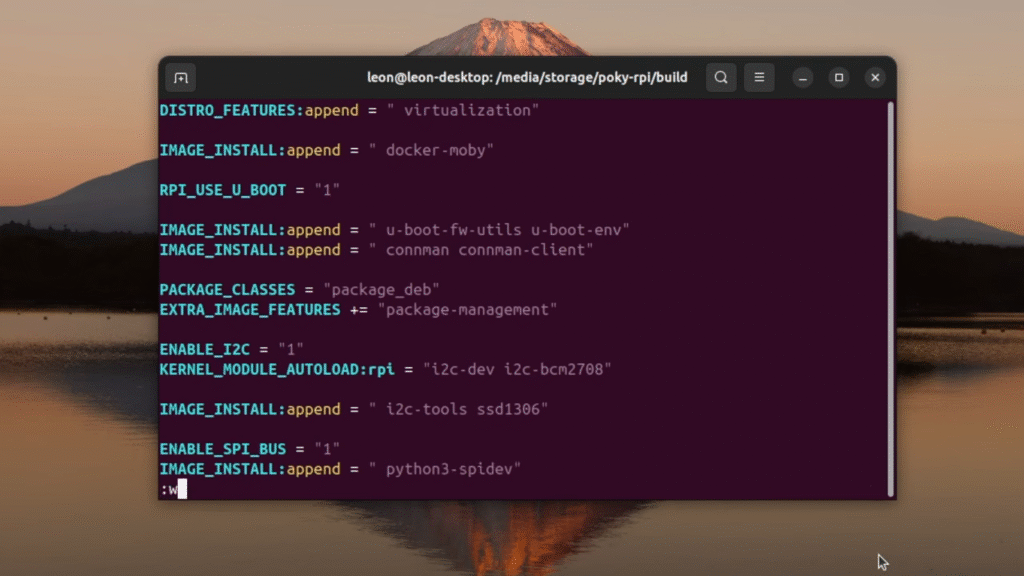
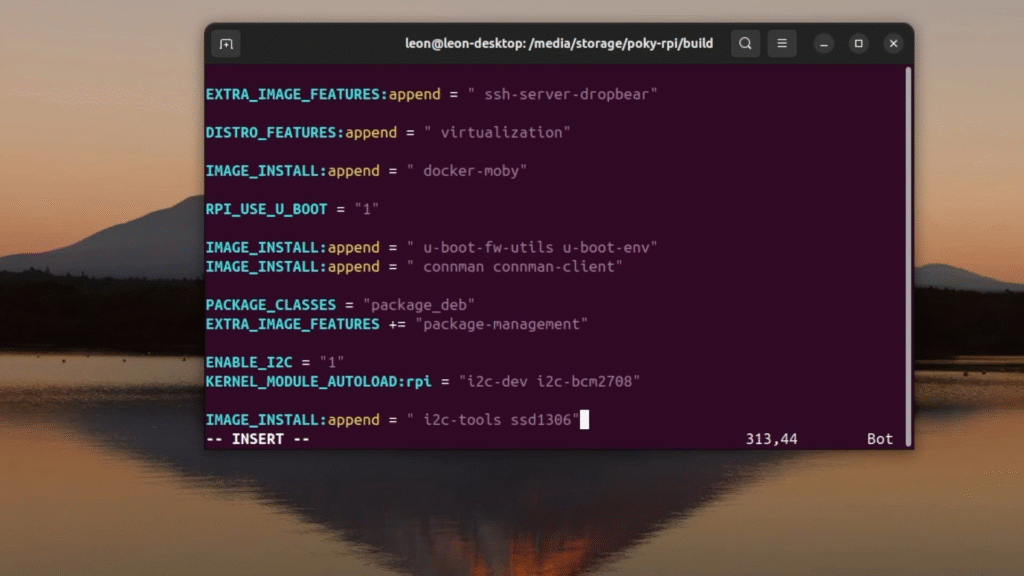
Enable Serial Peripheral Interface support Add the following line to your conf/local.conf: ENABLE_SPI_BUS = "1"
Include required Python packages Extend your Linux image with the spidev library (used in the examples), plus some helpful tools: IMAGE_INSTALL:append = " python3-spidev"
Build and flash your image Build the core-image-base, flash it to a microSD card, and boot your Raspberry Pi.
Run Python code to read sensor values Open a Python 3 interactive shell and use this example code snippet to start reading data from a capacitive soil moisture sensor through the MCP3002 analog-to-digital converter.
Why This Matters
This combination of ANAVI Gardening uHAT and the Yocto Project is more than just a fun do-it-yourself experiment. It is a hands-on way to learn about:
Embedded Linux development
Custom Raspberry Pi distributions
Practical Internet of Things (IoT) applications in agriculture
For hobbyists, it means you can monitor your houseplants or small garden with open source hardware and software. For professionals, it is a chance to explore how Yocto-powered Linux images can streamline development in real-world embedded projects.
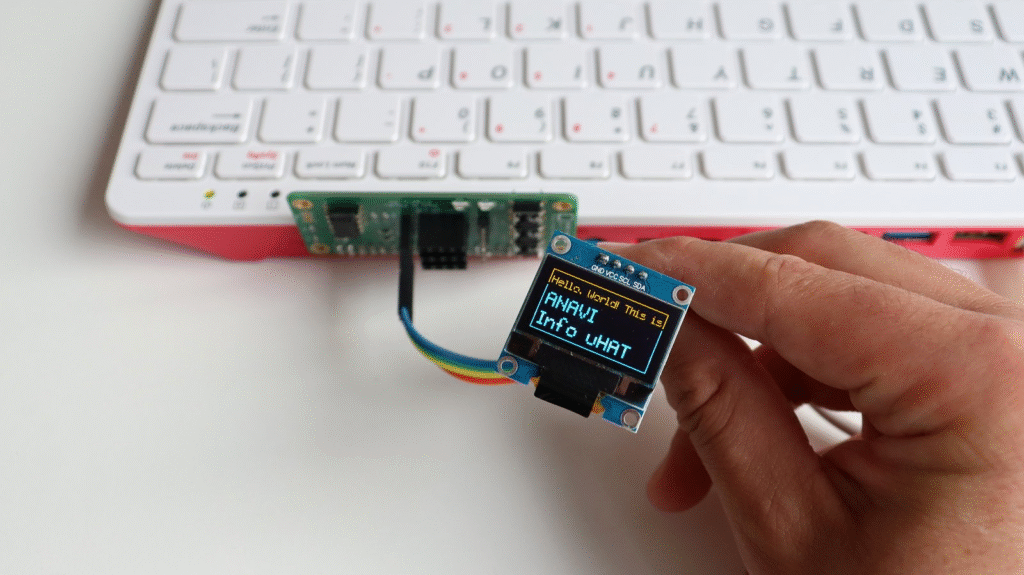
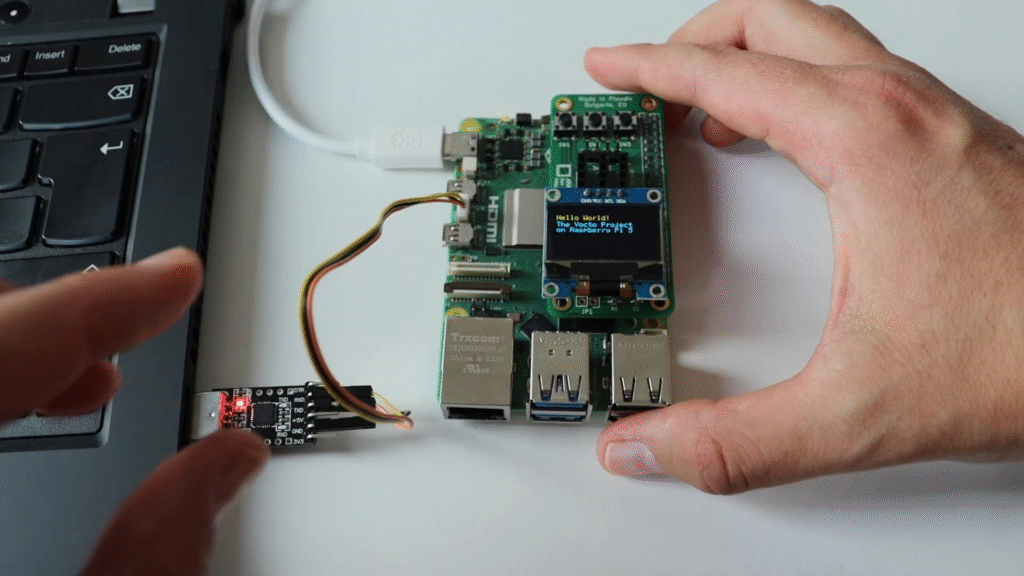
ANAVI Info uHAT is an affordable, open-source Raspberry Pi add-on board that brings extra functionality in a compact form. It features a mini OLED display, three buttons, red and green indicator LEDs, and slots for various sensors. Each kit includes a 0.96″ yellow-blue I²C OLED display with a resolution of 128×64 pixels.
At the start of 2025, Leon Anavi launched a series of video tutorials on the Yocto Project and OpenEmbedded. The Yocto Project, a collaborative initiative under the Linux Foundation, has become the de facto industry standard for creating custom Linux distributions tailored for embedded devices.
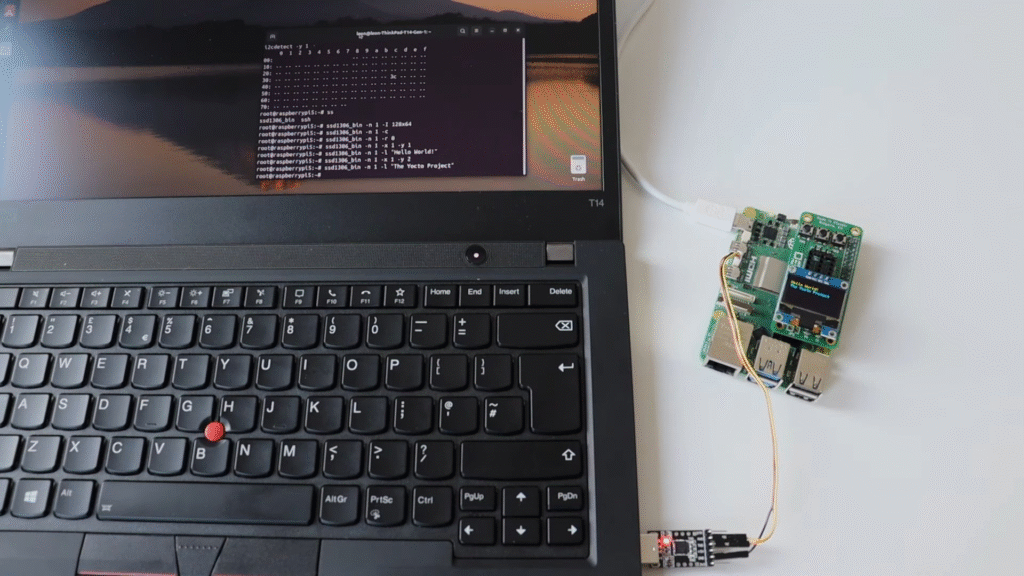
In Episode 9 from September 2025, Leon demonstrates how to enable I²C on a Raspberry Pi and use it with an SSD1306 mini OLED display. To simplify wiring, he used the ANAVI Info uHAT, attaching it directly to the Raspberry Pi 5’s 40-pin header, while the OLED display connected to its dedicated I²C port.
The demonstration from the video tutorial also included useful packages in the Yocto image to scan for I²C devices and interact with the SSD1306 OLED display:
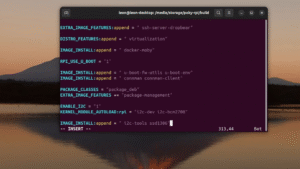
IMAGE_INSTALL:append = " i2c-tools ssd1306"
After building core-image-base and booting it on the Raspberry Pi, you can test the OLED using the open-source ssd1306_bin tool. Here are some sample commands from the tutorial:
This tutorial builds on concepts from previous episodes in the series, so if you are new to the Yocto Project on Raspberry Pi 5, it is highly recommended to start from the beginning. Watching the full video will give you a detailed walkthrough and context for each step.
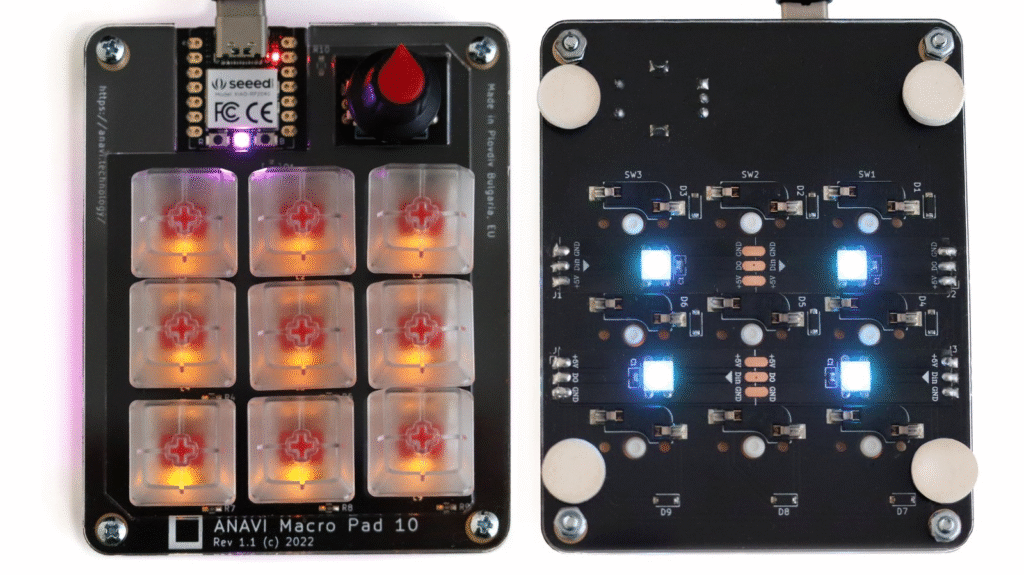
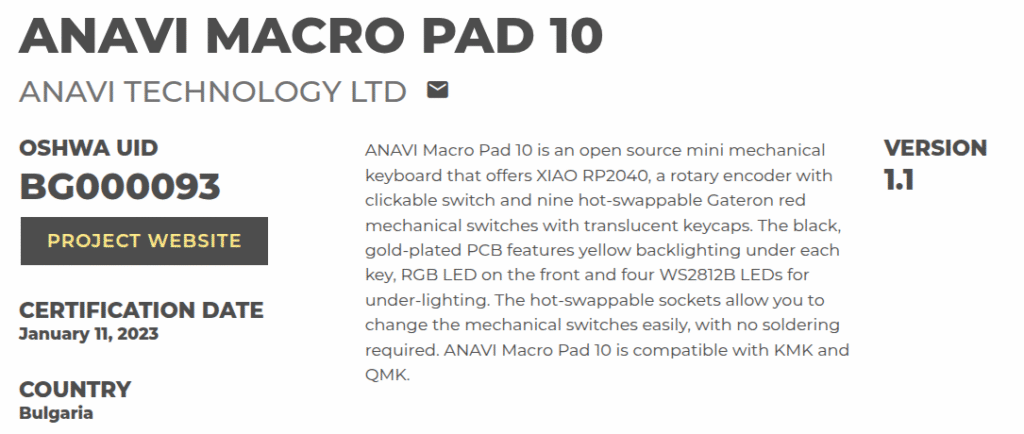
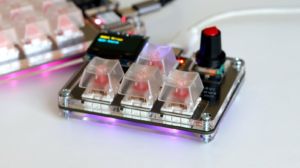
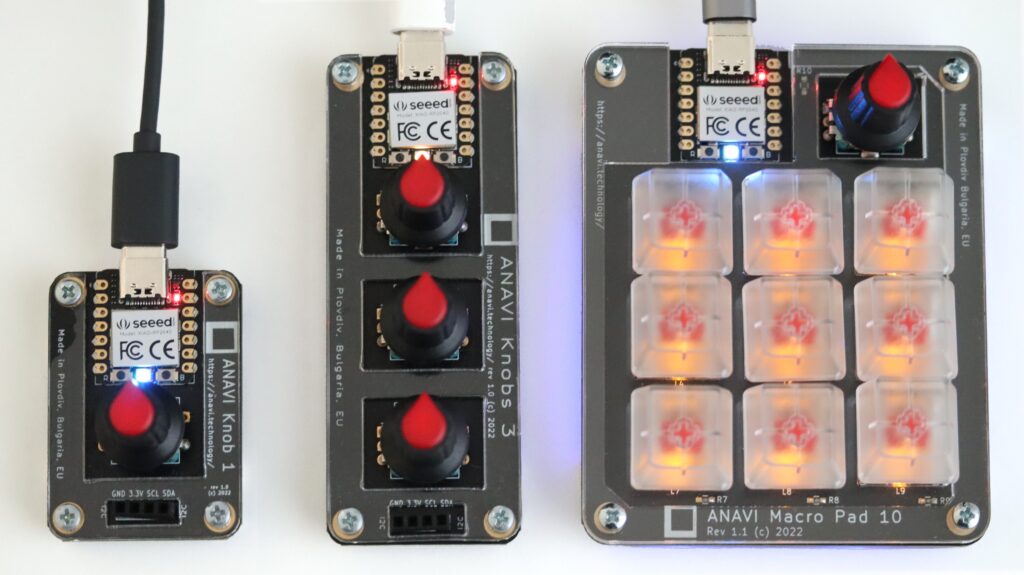
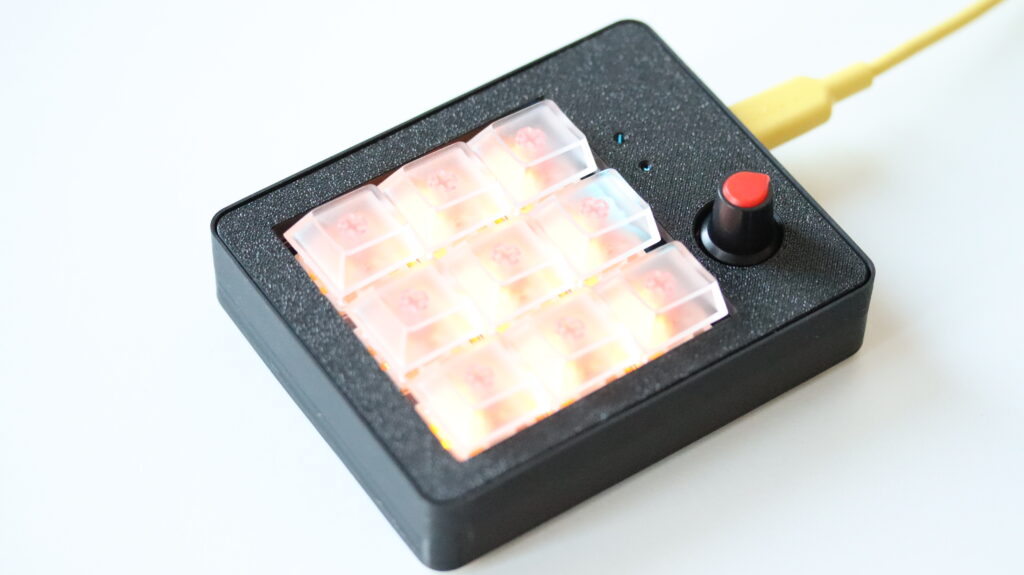
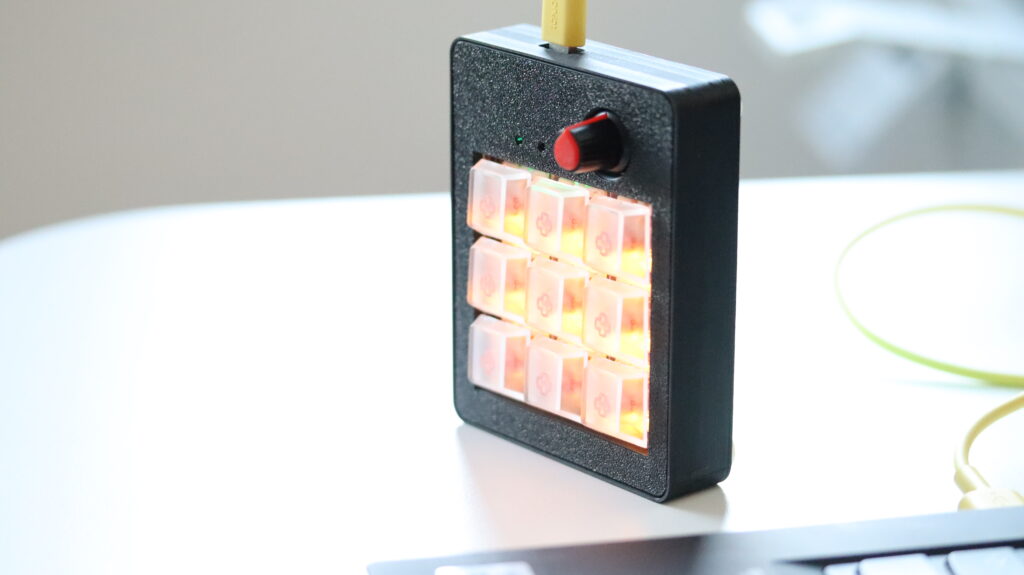
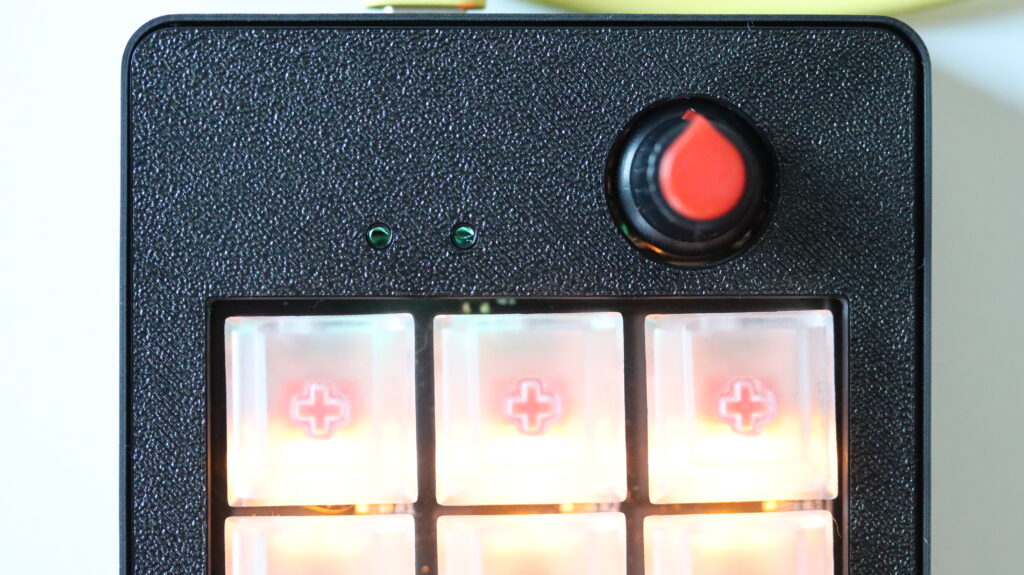
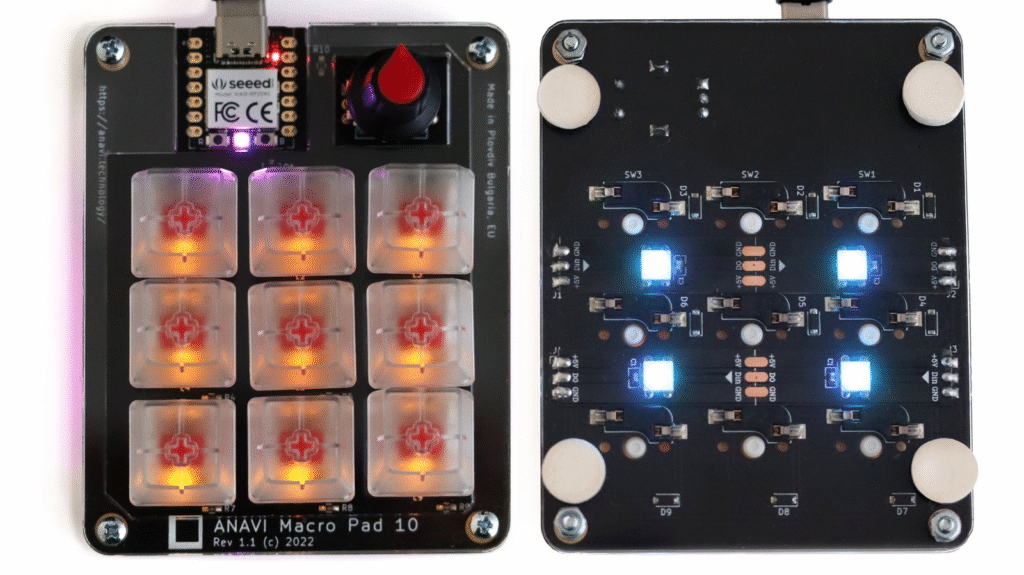
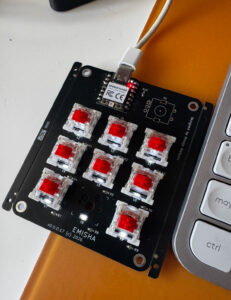
ANAVI Macro Pad 10 is a compact, open-source, custom-programmable mini keypad that’s as versatile as it is stylish. With nine hot-swappable Gateron red mechanical switches, translucent keycaps, and a rotary encoder with a clickable switch, this little powerhouse is built to boost productivity and personalization.
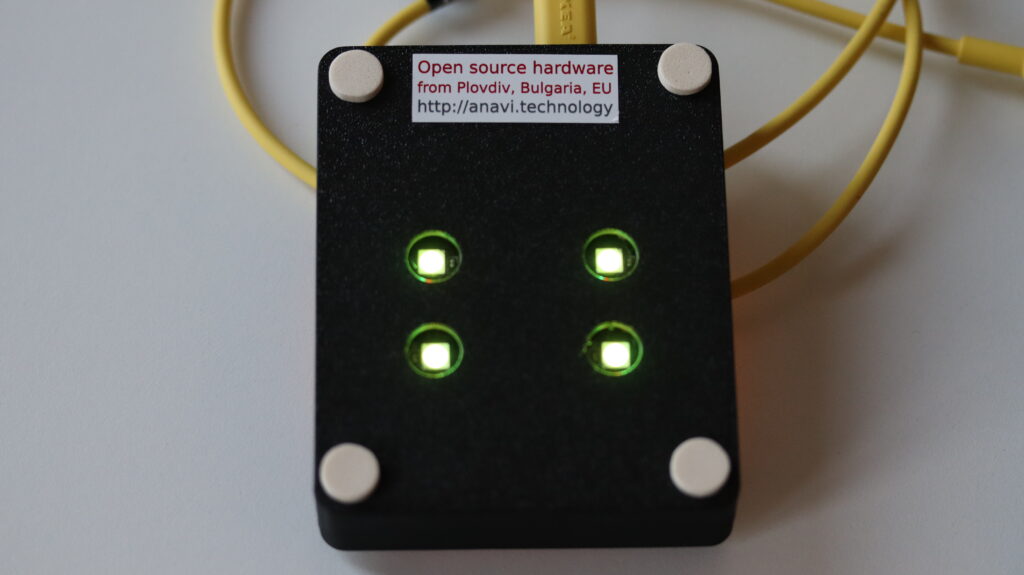
Its black, gold-plated PCB is loaded with thoughtful design details: yellow backlighting under each key, a front-facing RGB LED, and four WS2812B LEDs for gorgeous under-lighting effects. Thanks to its hot-swappable sockets, switching out mechanical switches is a breeze: no soldering required!
From Plexiglass to 3D Printing
Originally, the Macro Pad 10 shipped with a simple transparent laser-cut plexiglass enclosure. While functional, recently we have a major customer interested in having the keyboard in a more solid case.
As a result we now have a 3D-printed case for ANAVI Macro Pad 10, designed by Pavlin Saksanov, a very skilled engineer with mechanical expertise. The new case is fully compatible with the original plexiglass enclosure and is available as STL and STEP files in the project’s GitHub repository. Like the rest of the design files, it has been shared under the Creative Commons Attribution-ShareAlike 4.0 International (CC BY-SA 4.0) license.
The 3D printing was brought to life by Experify 3D, a specialized 3D printing company also based in Plovdiv, Bulgaria. Special thanks go out to Samuil Gospodinov, who supported both prototyping and production of the final version. The finished case is printed in black PLA filament imported from Poland. It uses M3x3x5mm threaded inserts, ensuring the case can be assembled and disassembled multiple times without wear or damage. The inserts make the case compatible with M3 16mm DIN 965 screws for secure and reliable assembly. Just like ANAVI Macro Pad 10, the new 3D printed case is also made in Plovdiv, Bulgaria, EU.
Open Source Inside and Out
Like other devices by ANAVI Technology Ltd, the printed circuit board of ANAVI Macro Pad 10 was designed using KiCad, the cross-platform, open-source electronics design automation suite. The keyboard supports both KMK firmware (CircuitPython-based) and QMK firmware, giving users flexibility and control over their setup.
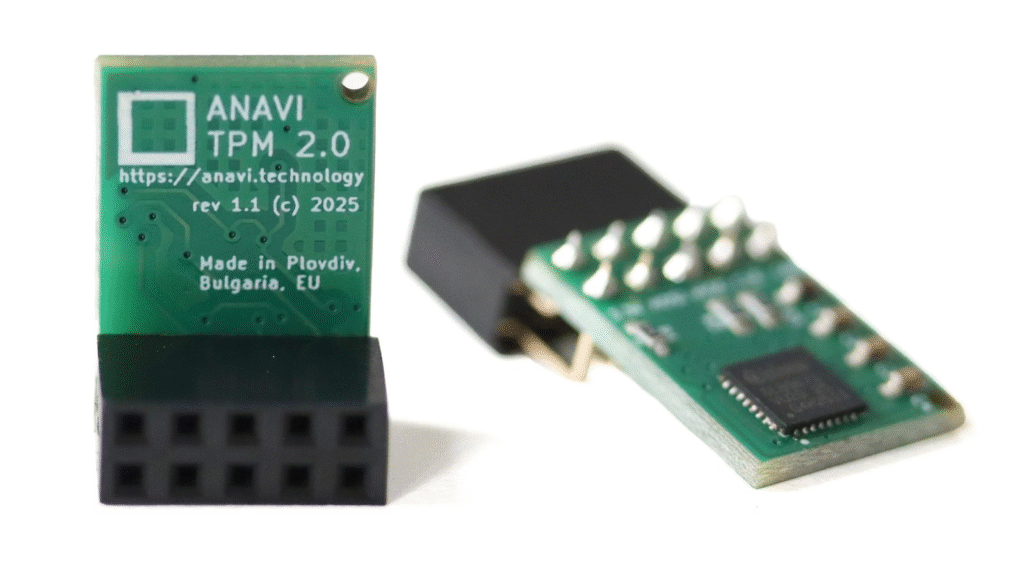
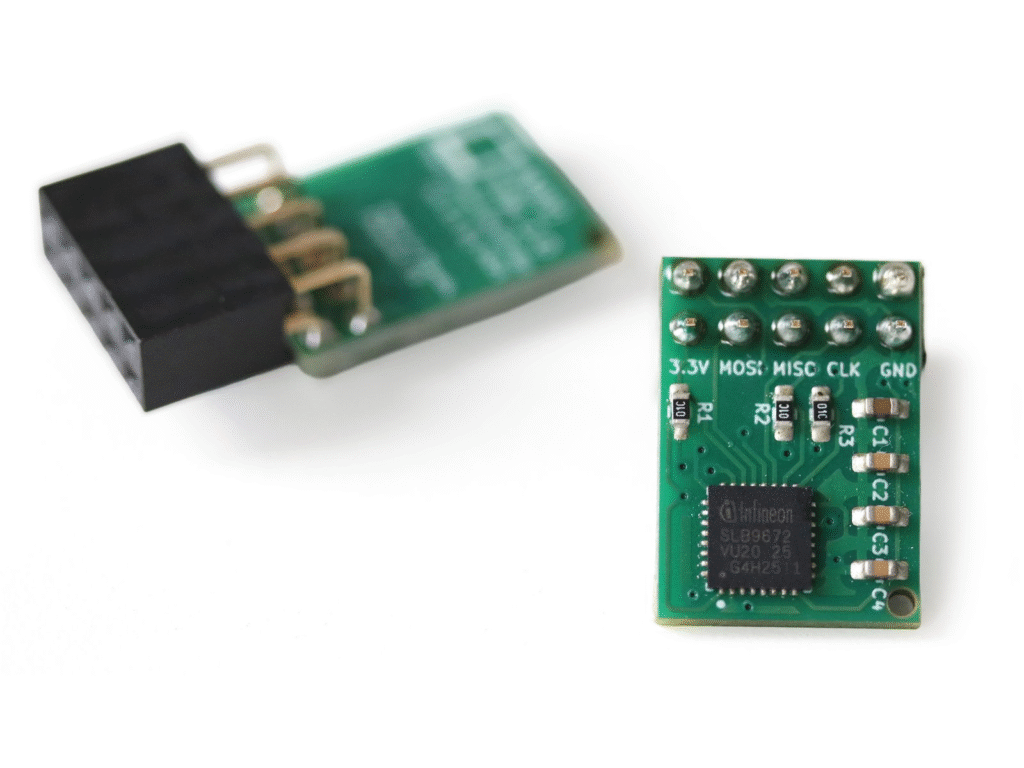
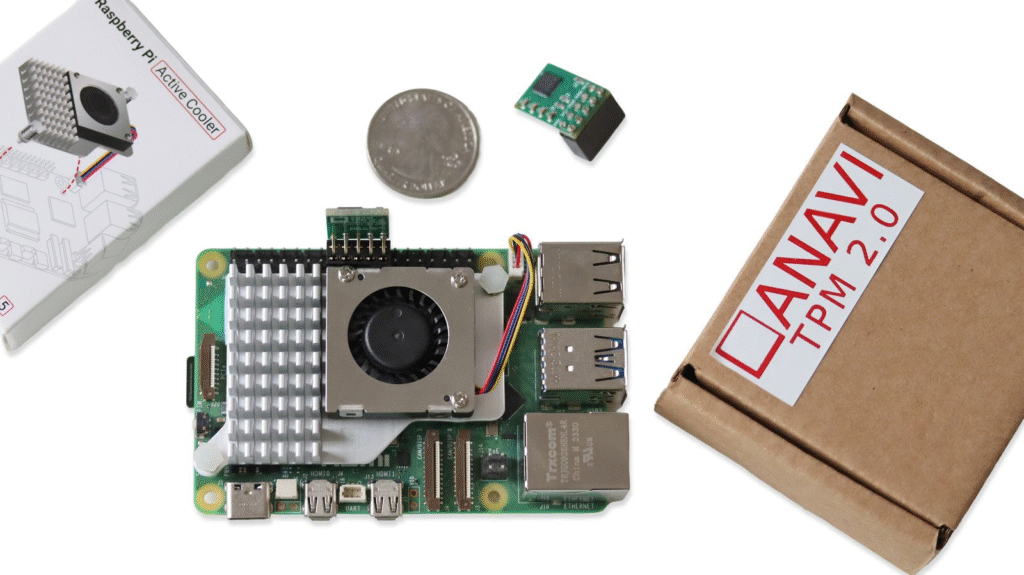
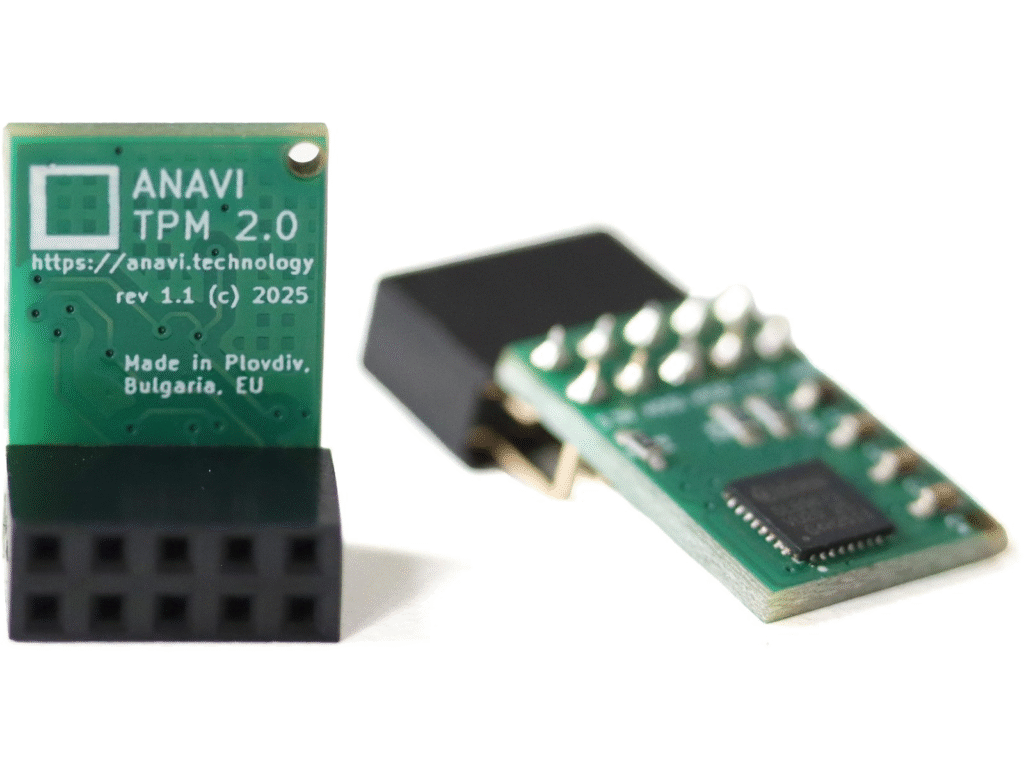
We are excited to unveil our latest product: ANAVI TPM 2.0, a powerful, open source hardware add-on board that brings industry-standard TPM 2.0 security to Raspberry Pi single board computers.
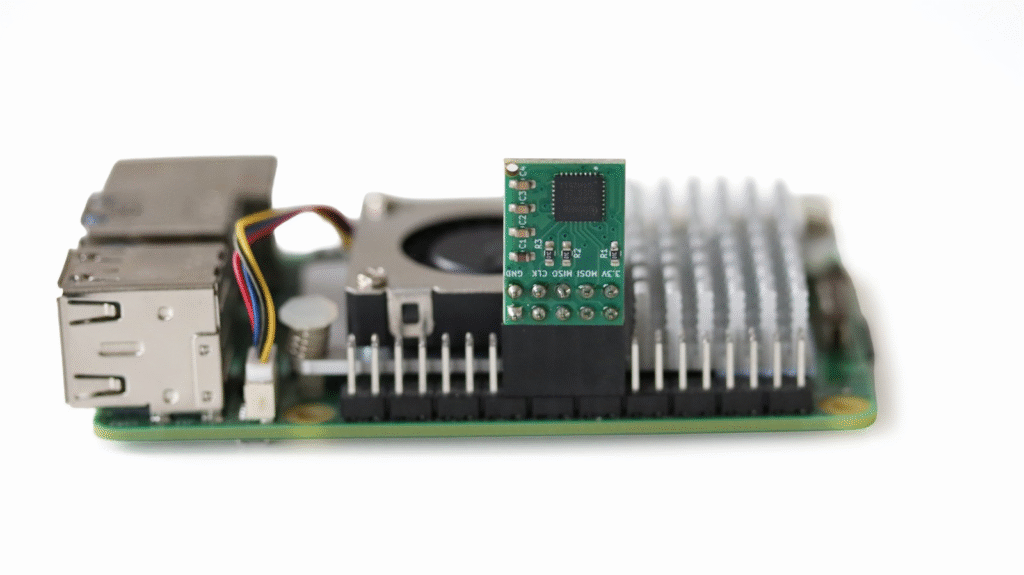
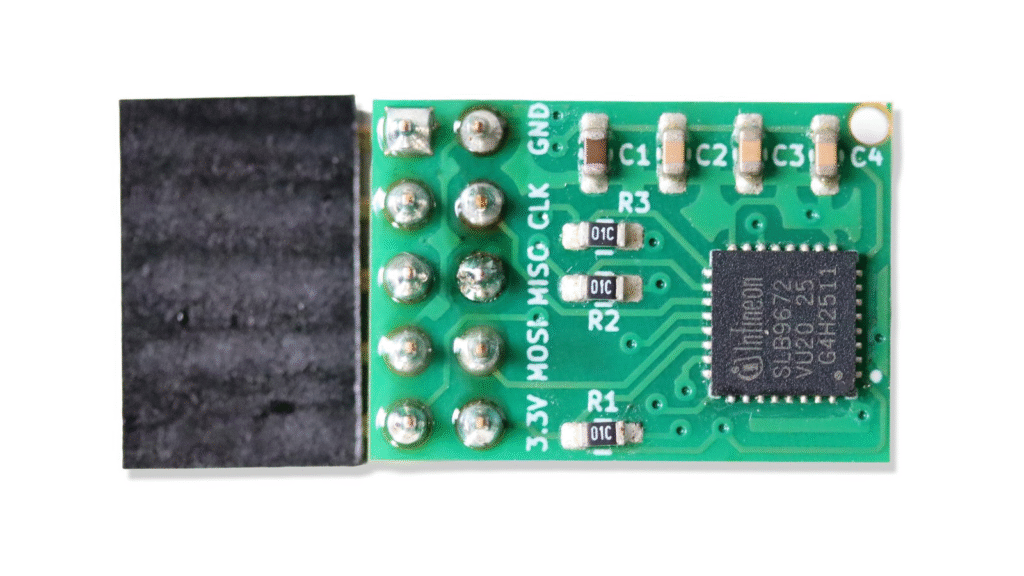
Built around the Infineon Optiga SLB 9672 chip, ANAVI TPM 2.0 connects to your Raspberry Pi via the SPI on the 40-pin header, making it easy to add hardware-based cryptographic security to your projects. From secure key storage and digital signatures to disk encryption and measured boot, TPM 2.0 enables a wide range of security-critical applications. It even functions as a True Hardware Random Number Generator (TRNG), a crucial feature for any system requiring high-entropy randomness.
Whether you are a developer, engineer or hobbyist, ANAVI TPM 2.0 offers a reliable solution to enhance trust and integrity in your Raspberry Pi setup. To support different use cases, the board will be available in two hardware configurations:
Horizontal version with a standard 2×5 (2.54 mm) female header
Vertical version with a 2×5 (2.54 mm) female header mounted at a 90-degree angle
ANAVI TPM 2.0 will launch soon via a crowdfunding campaign on Crowd Supply, our trusted long-term partner. As usual, we will manufacture the boards in Plovdiv, Bulgaria, EU. Please,subscribe on the Crowd Supply page to be notified when the campaign goes live and be among the first to secure your board!
WLED is a powerful open-source firmware that makes managing NeoPixel WS2812B LED panels simple and efficient. Designed for ESP32 and ESP8266, it provides an intuitive interface for seamless LED control. Whether you’re a DIY enthusiast or a professional, WLED offers a highly customizable lighting experience.
Why Choose WLED for NeoPixel LED Panels?
Our previous blog post shared the exact steps how to install WLED directly from a web browser. This firmware includes a built-in local HTTP server, allowing LED control from any device on the same network. It also integrates smoothly with Home Assistant, enabling smart home automation, voice control, and advanced lighting effects. WLED supports both LED strips and 2D LED matrices, making it a versatile choice for various lighting projects.
Demo: ANAVI Miracle Emitter + XIAO ESP32C3
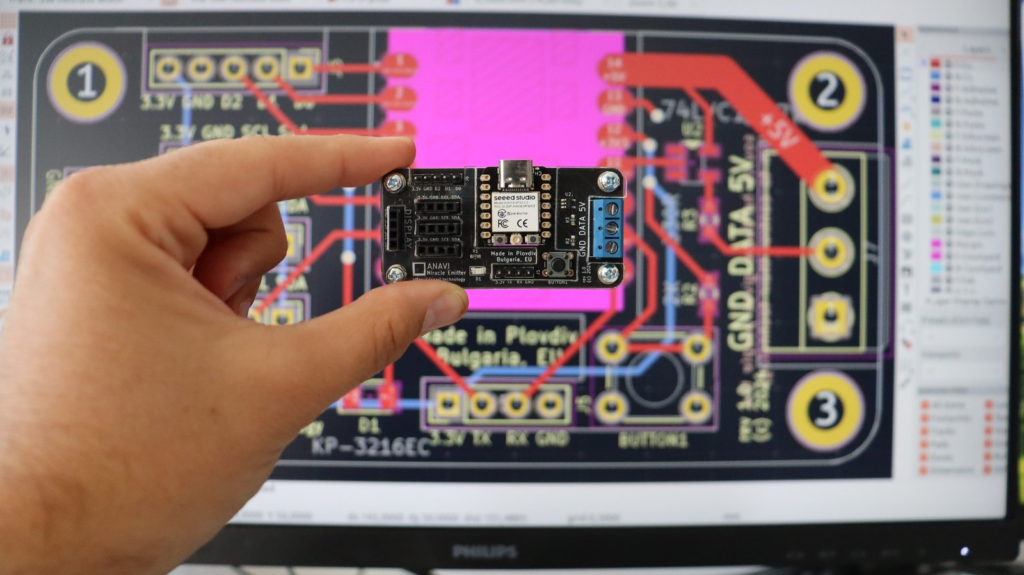
In this tutorial, we will walk through the setup and configuration of NeoPixel WS2812B LED panels using WLED firmware. The demonstration features the open source hardware ANAVI Miracle Emitter, an open-source IoT board designed specifically for controlling NeoPixel LEDs.
Hardware & Accessories Used:
ANAVI Miracle Emitter – A small ESP32C3-based board, ideal for WLED applications.
NeoPixel WS2812B LED Panels – High-quality, customizable LED panels.
DC Barrel Jack to Terminal Block Adapter – Simplifies power connections. For example AP364 or from Pololu.
External 5V Power Supply – Powers both the LED panels and the development board.
ANAVI Miracle Emitter: Open-Source LED Controller
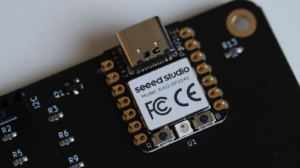
ANAVI Miracle Emitter is a compact open-source IoT board built for NeoPixel LED control. It also supports I2C sensors and a mini OLED display, making it a great choice for interactive projects. Designed using KiCad, this board will soon be available through a Crowd Supply crowdfunding campaign. If you’re looking for a powerful and compact way to control NeoPixel WS2812B LED panels, the ANAVI Miracle Emitter with WLED is an excellent solution. The XIAO ESP32C3, with its 32-bit RISC-V core, delivers strong performance in a small package, making it ideal for compact LED projects. Stay tuned for more tutorials on maximizing WLED and the ANAVI Miracle Emitter for your next LED lighting setup.
WLED is a powerful open-source firmware designed for controlling addressable LED strips, including NeoPixel LEDs like WS2811, WS2812B, TM1809, and more. It supports ESP32 and ESP8266 devices, making it a go-to solution for DIY lighting projects. WLED runs a local HTTP server with a sleek, modern UI, allowing you to control your LEDs easily from any device on the same network. It also integrates seamlessly with Home Assistant, enabling smart home automation, voice control, and advanced lighting effects.
In this tutorial, you will learn the exact steps to install WLED directly from a web browser onto an ESP32 board—no additional software required. The demonstration uses Google Chrome and the ANAVI Miracle Emitter, featuring the XIAO ESP32C3 RISC-V microcontroller. To install WLED from a web browser, visit: https://install.wled.me/.
ANAVI Miracle Emitter is an open-source hardware IoT development board for controlling NeoPixel LEDs. Furthermore, it supports various I2C sensors and a mini OLED display. I designed the printed circuit board (PCB) using the popular open-source software KiCad. It will soon be available through a crowdfunding campaign on Crowd Supply.
Happy New Year! Wishing you a 2025 filled with the power of open source!
In 2024, ANAVI Technology introduced just two new open-source hardware gadgets, but they turned out pretty good. Looking ahead, we are excited to share that several innovative projects are already in the pipeline for 2025!
ANAVI Handle
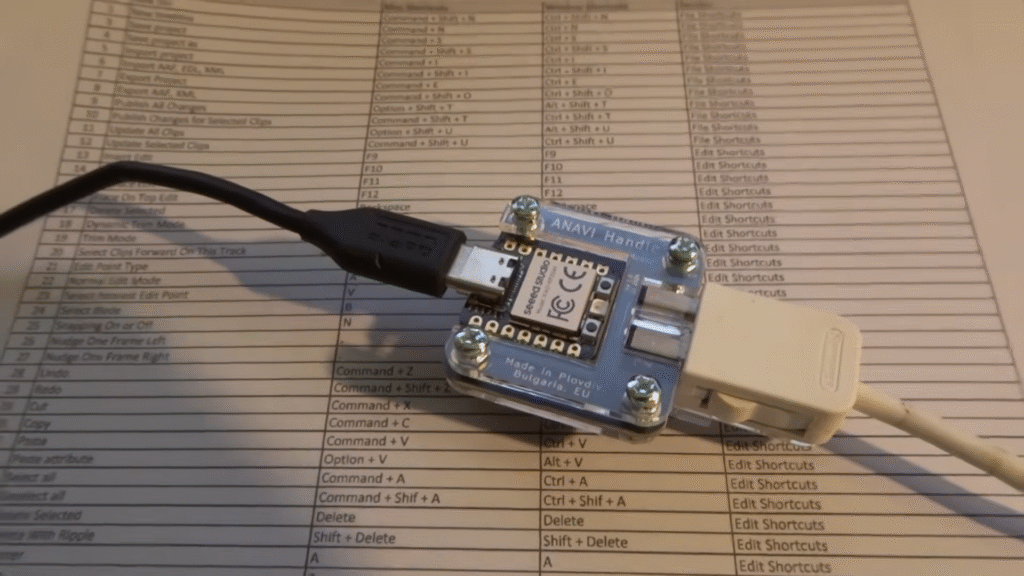
In April 2024, we launched a crowdfunding campaign for ANAVI Handle, an open-source USB adapter that allows you to connect Wii Nunchuk-compatible controllers to a PC. As always, the printed circuit board was designed using the free and open source tool KiCad. The design is simple, featuring a XIAO module with a USB-C connector and a Raspberry Pi RP2040 microcontroller. The default firmware, written in CircuitPython, is available as open-source on GitHub. Additionally, ANAVI Handle has been certified by the Open Source Hardware Association under UID BG000134.
The default firmware lets you configure the Wii Nunchuk as a mouse, keyboard, or joystick, offering a variety of uses, with retro gaming being one of the most popular. Be sure to check out the video demonstrating how ANAVI Handle and a Wii Nunchuk can breathe new life into an old netbook!
ANAVI Handle successfully reached its crowdfunding goal on Crowd Supply on May 30, with orders shipped to backers in July 2024. Today, you can purchase ANAVI Handle from either Crowd Supply or Mouser.
ANAVI Dev Mic
Our second and final crowdfunding campaign of 2024 was for ANAVI Dev Mic, an open-hardware USB Type-C omnidirectional microphone powered by a programmable Raspberry Pi RP2040 microcontroller. This is not your typical USB PC microphone. ANAVI Dev Mic gives you the freedom to modify and customize the firmware, as well as expand the hardware with various peripherals like LEDs, buttons, and even sensors.
There are countless ways to use a USB microphone, especially one as flexible and open-source as ANAVI Dev Mic. However, the most impressive technical application was using it for offline speech-to-text recognition with Python 3 and OpenAI Whisper ASR on a Raspberry Pi 5. This project demonstrated that even a microphone plays a crucial role in modern AI-driven solutions.
ANAVI Dev Mic received certification from the Open Source Hardware Association under UID BG000144. The crowdfunding campaign concluded on September 26, 2024, with all units shipped to backers in October. You can now purchase ANAVI Dev Mic directly from Crowd Supply or Mouser.
What’s Next?
We have some exciting new projects planned for 2025. We aim to release two boards for addressable LED strips (aka NeoPixels): ANAVI Miracle uHAT and ANAVI Miracle Emitter. The PCB for ANAVI Miracle uHAT was designed in 2023 but was put on hold due to software issues with Raspberry Pi 5, which have now been resolved. ANAVI Miracle Emitter is a stand-alone device featuring the XIAO ESP32C3 module. It will be our first open-source hardware using the RISC-V open instruction set. The firmware will seamlessly integrate with Home Assistant through the machine-to-machine MQTT protocol. Additionally, we are developing a gardening device with the ESP32C3 to monitor flowers, plants, and crops.
A huge thank you to all the backers and customers who supported our open-source hardware projects in 2024. We’re also deeply grateful to our trusted partners, especially Crowd Supply, Mouser and the Pi Hut! Wishing you all a healthy and prosperous 2025!
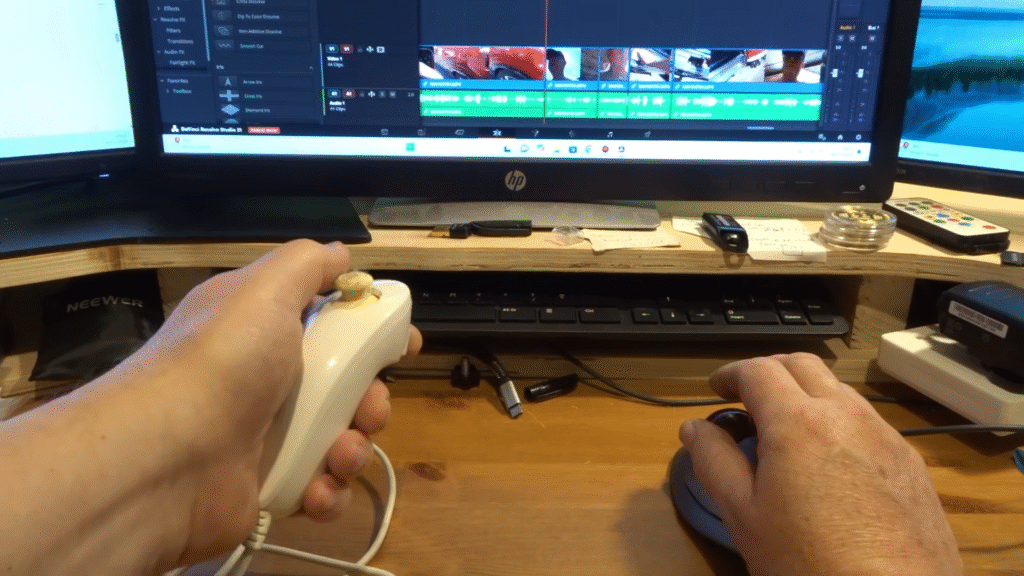
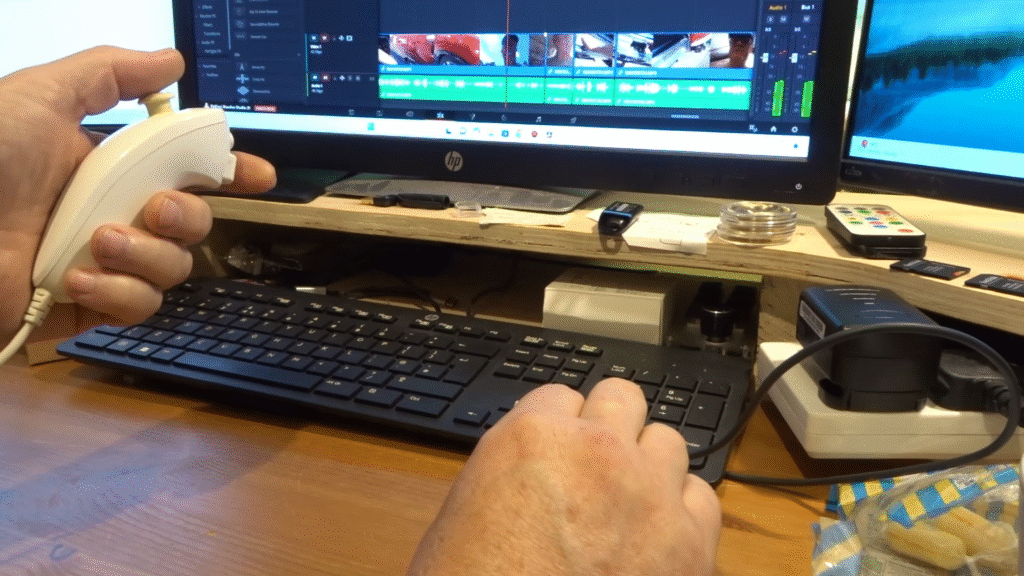
Let’s explore how to retrofit a classic Wii Nunchuk controller using ANAVI Handle, an open source hardware USB-C adapter that lets you connect a wired Nunchuk controller to any modern PC, be it a laptop or desktop. In this tutorial, you will learn how to configure the Nunchuk as a joystick and enjoy the open-source game “Tiny Crate”, all within your web browser.
Hardware Requirements
To get started, you’ll need:
A personal computer
A USB Type-C cable
An ANAVI Handle along with a Wii Nunchuk (or another compatible controller)
Software Configuration
Begin by connecting your Wii Nunchuk controller to your computer using the ANAVI Handle, an open-source hardware adapter. Next, edit the config.json file to enable joystick mode by adding:
{
"type": "joystick"
}
The ANAVI Handle’s default open-source firmware (written in CircuitPython) uses the analog stick and buttons on the Nunchuk to control movement in joystick mode. After modifying config.json, disconnect and reconnect the ANAVI Handle to apply the changes.
The ANAVI Handle’s RGB LED provides visual feedback on the connection status:
A green light indicates a successfully connected Nunchuk controller.
A blue light shows the controller has been disconnected from the ANAVI Handle.
A red light signals an absent or improperly connected Nunchuk controller.
In the video, you’ll see the green light illuminated, confirming that everything is functioning correctly.
To quickly verify that your controller is working in joystick mode, load the HTML5 Gamepad Test in a modern web browser. This open-source tool is available on GitHub under the MIT license and provides a simple way to check your controller’s functionality.
Let’s Play!
Once everything is set up, you’re ready to dive into games that support joysticks!
While preparing this video, I discovered an incredible game called Tiny Crate. It’s a 2D puzzle game with charming pixel art graphics and joystick compatibility. Despite being a puzzle game, its game play evokes a sense of nostalgia for classic jump-and-run titles. Tiny Crate is an open-source game, with its source code available on GitHub. Developed using the Godot game engine, it’s playable on multiple platforms including Windows, macOS, Linux, and even Android.
I featured Tiny Crate while demonstrating the ANAVI Handle during the “Show and Tell” segment of Pi Wars, a Raspberry Pi-based, non-destructive robotics competition. Pi Wars 2024 took place on April 20th-21st in Cambridge, UK, attracting 58 teams of robot engineers. During my demonstration, children of all ages were captivated by Tiny Crate, so much so that many were too absorbed in solving game levels to notice the ANAVI Handle or the Nunchuk controller. This speaks volumes about the quality of Tiny Crate and the effectiveness of the ANAVI Handle in seamlessly converting the Nunchuk controller into a USB HID device.
If you’re passionate about gaming innovation and eager for a new experience, all you need is a Nunchuk controller and an ANAVI Handle. After a successful crowdfunding campaign ANAVI Handle is available at Crowd Supply. We will soon stock it at our other distributors. Follow this guide and get ready to enjoy hours of fun with your favorite games!
Do you remember the ANAVI Macro Pad 2, our tiny mechanical keyboard with just two keys? Built around the Microchip ATtiny85 microcontroller, it comes with QMK version 0.13.19 and is often used as a cool copy-paste keypad. However, its open-source firmware can be reprogrammed for various uses. Recently, Henrik shared a Crowd Supply “field report” about his impressive setup, using the ANAVI Macro Pad 2 to control audio streams with his favorite songs. Although the ANAVI Macro Pad 2 was successfully funded on Crowd Supply three years ago, in June 2021, we continue to update the documentation and share news with our backers. It’s fantastic to keep improving the product based on community feedback.
Henrik created a custom QMK keymap for the ANAVI Macro Pad 2 based on his needs: the left button is for “play/pause,” and the right button is for “next song.” He even configured the LEDs to light up when the buttons control media playback. Why hire a DJ when you can be the DJ with your homemade setup using the ANAVI Macro Pad 2?
After modifying the firmware, Henrik made a hardware customization. For fun, he changed the keycap on the right button to one featuring a sleeping unicorn. This new keycap, being heavier than the default translucent one, adds weight to the otherwise lightweight ANAVI Macro Pad 2. The keyboard comes with Gateron red mechanical switches, which are Cherry MX compatible, allowing for easy keycap changes. Henrik also shared his plans for future modifications, including a second custom keycap.